Organize every vehicle
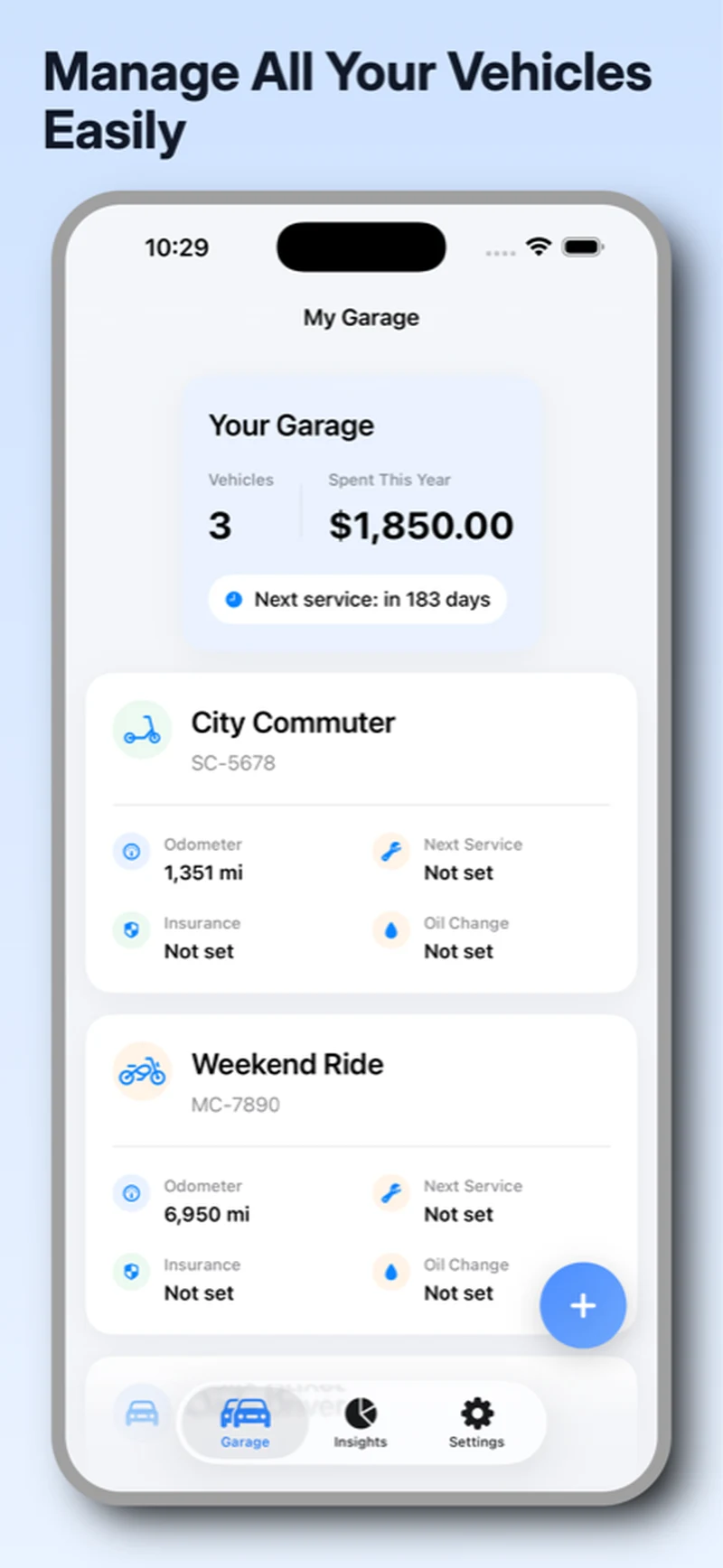
Keep cars, motorcycles, scooters, trucks, RVs, and other vehicles together with the details that matter.
GarageLog brings service records, maintenance reminders, vehicle documents, expenses, road-trip costs, and ownership insights together in one private iPhone and iPad app.
GarageLog follows the way ownership actually works—from the first odometer reading to the latest repair receipt.
Explore every featureKeep cars, motorcycles, scooters, trucks, RVs, and other vehicles together with the details that matter.
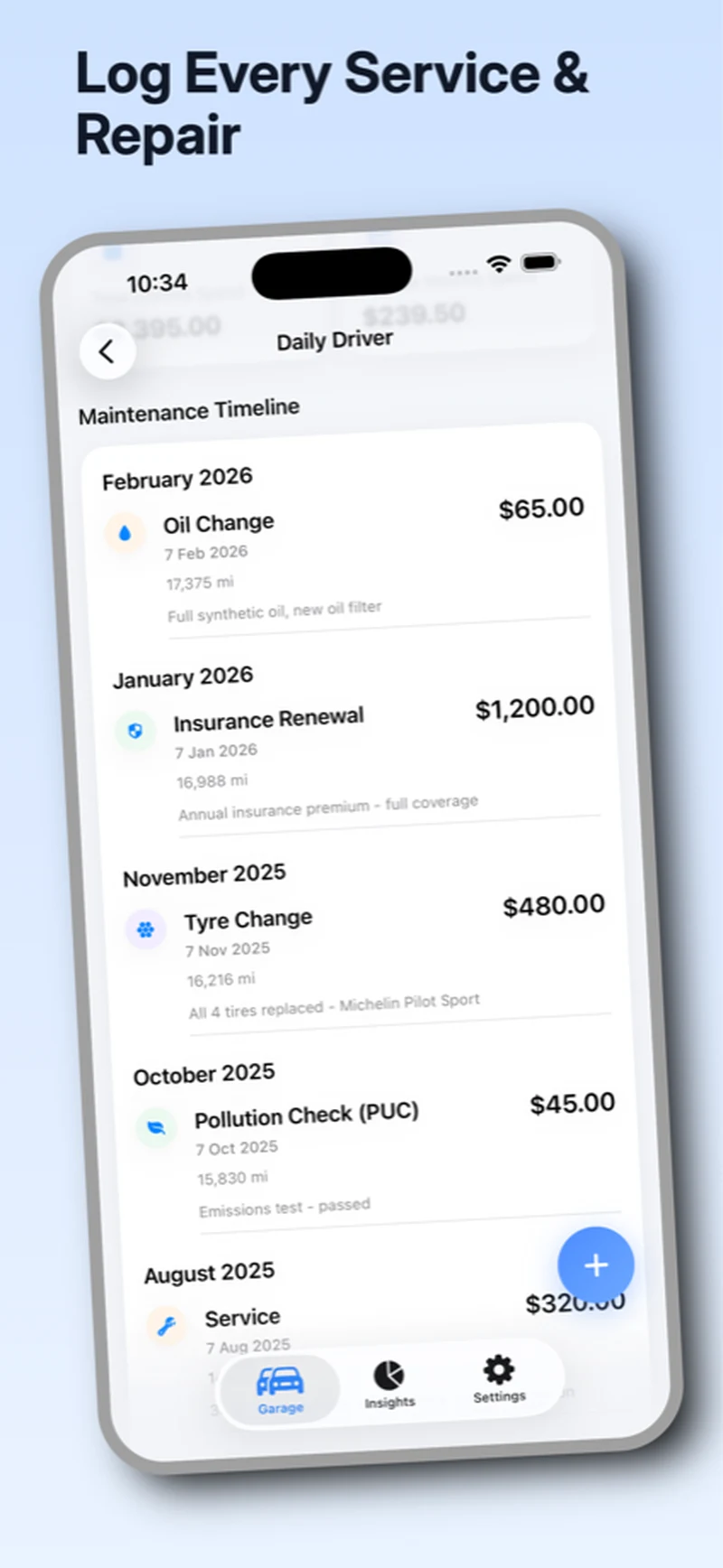
Record maintenance, parts, mileage, dates, notes, and documents in a chronological history.
Create reminders based on time or distance so routine work is easier to anticipate.
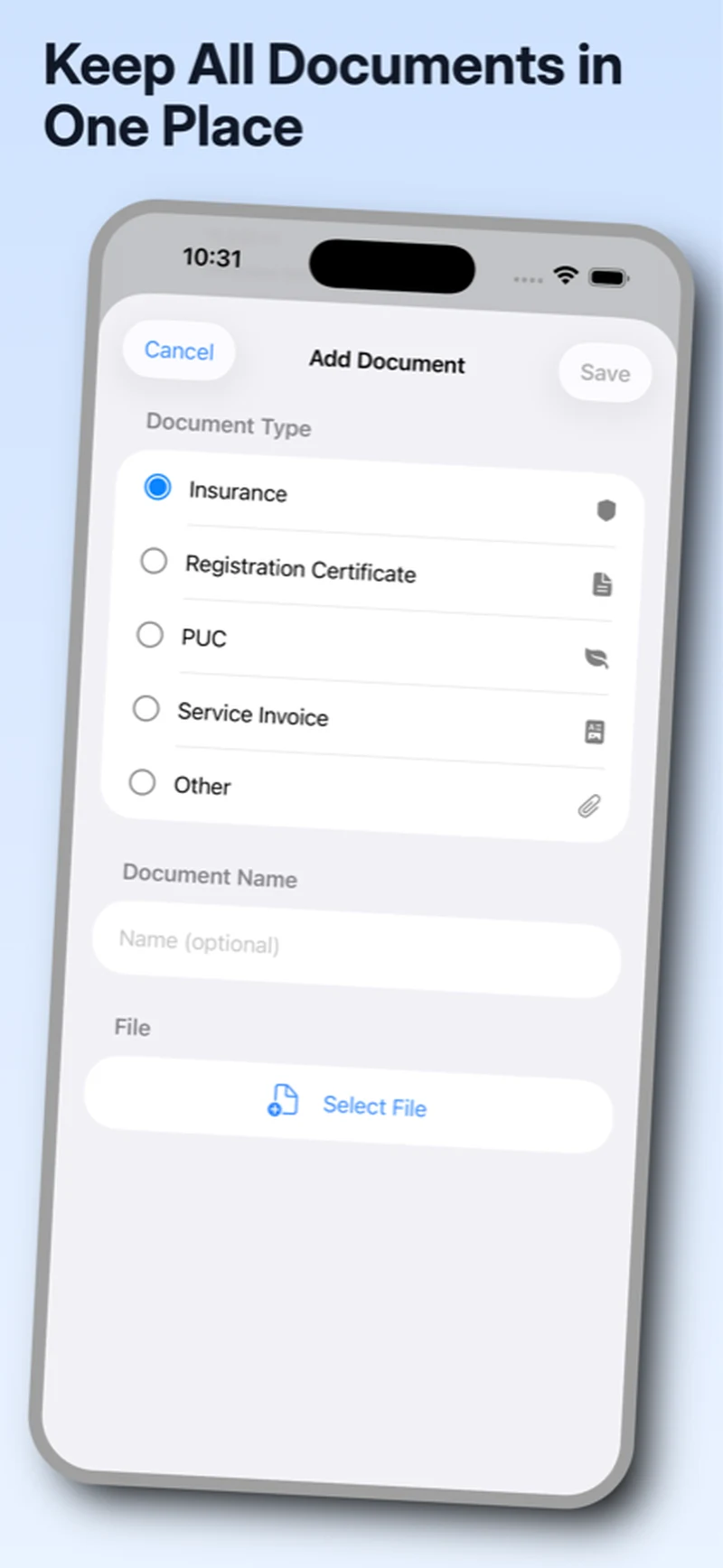
Store insurance, registration, inspection records, service invoices, and other useful vehicle files.
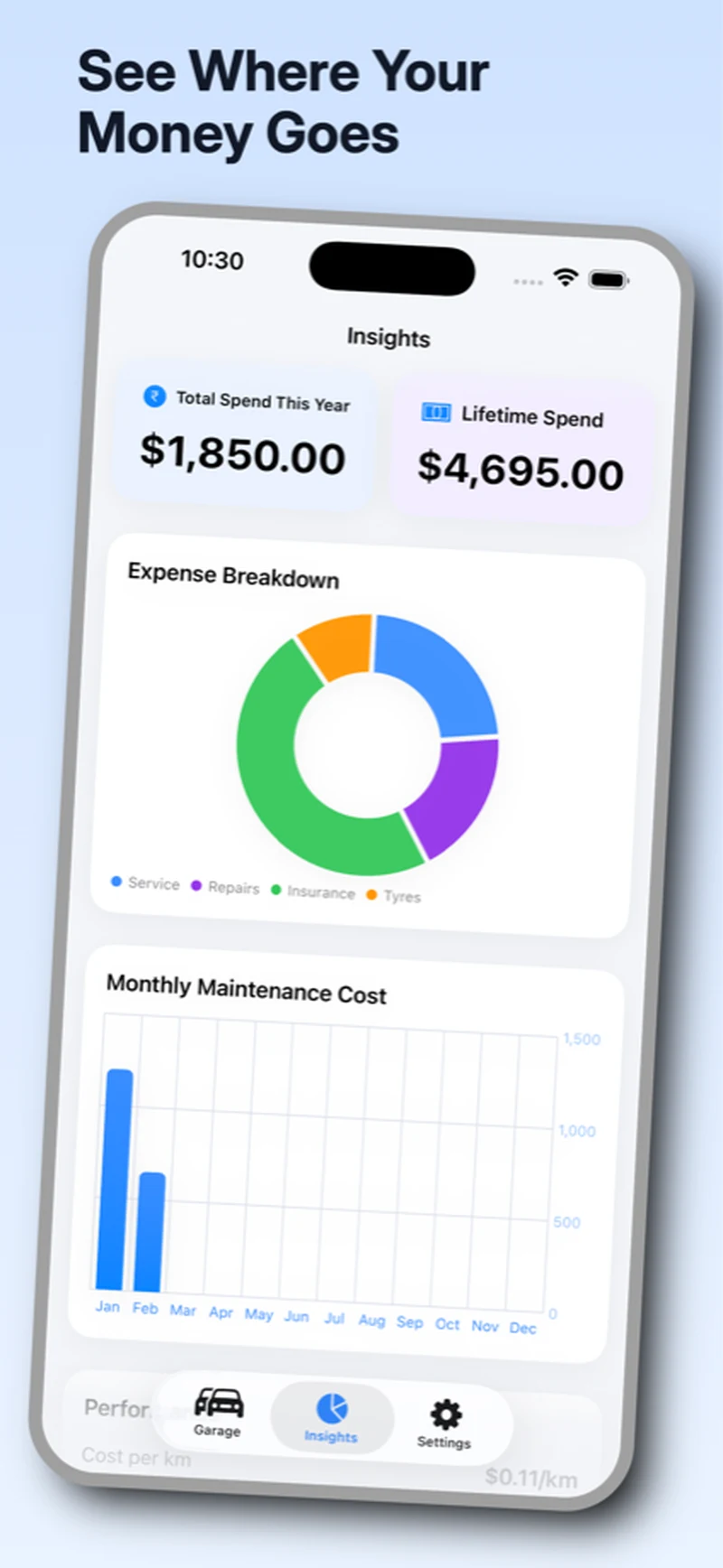
Review expenses and categories through simple, readable summaries and charts.
Log fuel, toll, parking, food, lodging, and other costs for each vehicle-linked trip.
Choose currency and distance preferences that make sense where you drive.
From your next service to the bigger picture. All in one place.
Service history
Build a clear maintenance timeline with dates, mileage, work performed, notes, and supporting documents. The result is useful today and understandable years from now.
How to keep a useful vehicle logReminders and documents
Plan time- or distance-based maintenance, attach one invoice photo to a service log, and keep insurance, registration, inspection records, and other vehicle documents close by.
Ownership insights
Turn everyday maintenance entries into useful summaries. Review spending by category and over time while keeping the underlying records easy to find.
Trips
Start a trip, add fuel, toll, parking, food, lodging, or miscellaneous expenses, then review totals and odometer-based distance context when the trip is complete.
GarageLog is designed around local storage. Your vehicle details, service history, expenses, and documents remain on your device instead of requiring a GarageLog cloud account.
Read the privacy policyThe ownership guide
A little organization today makes your next service—and your next decision—easier.
What to record, which documents to keep, and how to build a useful history.
Read the guideThe essentials about data, vehicles, units, and exports.
GarageLog is designed to store vehicle records locally on your device. It does not require a GarageLog cloud account for your maintenance history.
Yes. GarageLog is built for a garage with multiple vehicles, including cars, motorcycles, scooters, trucks, RVs, and more.
Yes. GarageLog targets both iPhone and iPad, so the same iOS app can be used on either device family.
You can create service, oil-change, insurance, PUC, tyre-rotation, or custom reminders based on a date or distance. With notification permission enabled, GarageLog schedules local alerts on your device.
Yes. Each maintenance log can include one invoice photo. GarageLog also has separate document storage for insurance, registration, PUC, service invoice, and other vehicle files.
Yes. Settings can create a JSON export with vehicle, log, reminder, and document metadata, or a CSV export of vehicle and maintenance-log fields. You choose where to save or share the file.
The trial lasts 10 days from first launch. After it ends, your existing records remain available to read, while creating new entries and starting new trips requires the lifetime unlock.
Lifetime access is a one-time in-app purchase processed by Apple, with no subscription. Purchases can be restored with the Apple ID used for the transaction.
Start organizing maintenance, documents, reminders, trips, and insights with GarageLog for iPhone and iPad.